Features

Everything a care team needs to stay aligned

Eight capabilities that work together, from the first message on a case to the view leadership sees.

On this page

Case Channels

A secure channel for every case

Each patient case gets its own shared space for the care team. Everything about the case stays in one thread.

  • One space per case for doctors, nurses, technicians and management
  • Text, audio and video messages in the same thread
  • Patients do not log in, so the channel stays with the care team
  • Documents stay in the cloud, not on phones
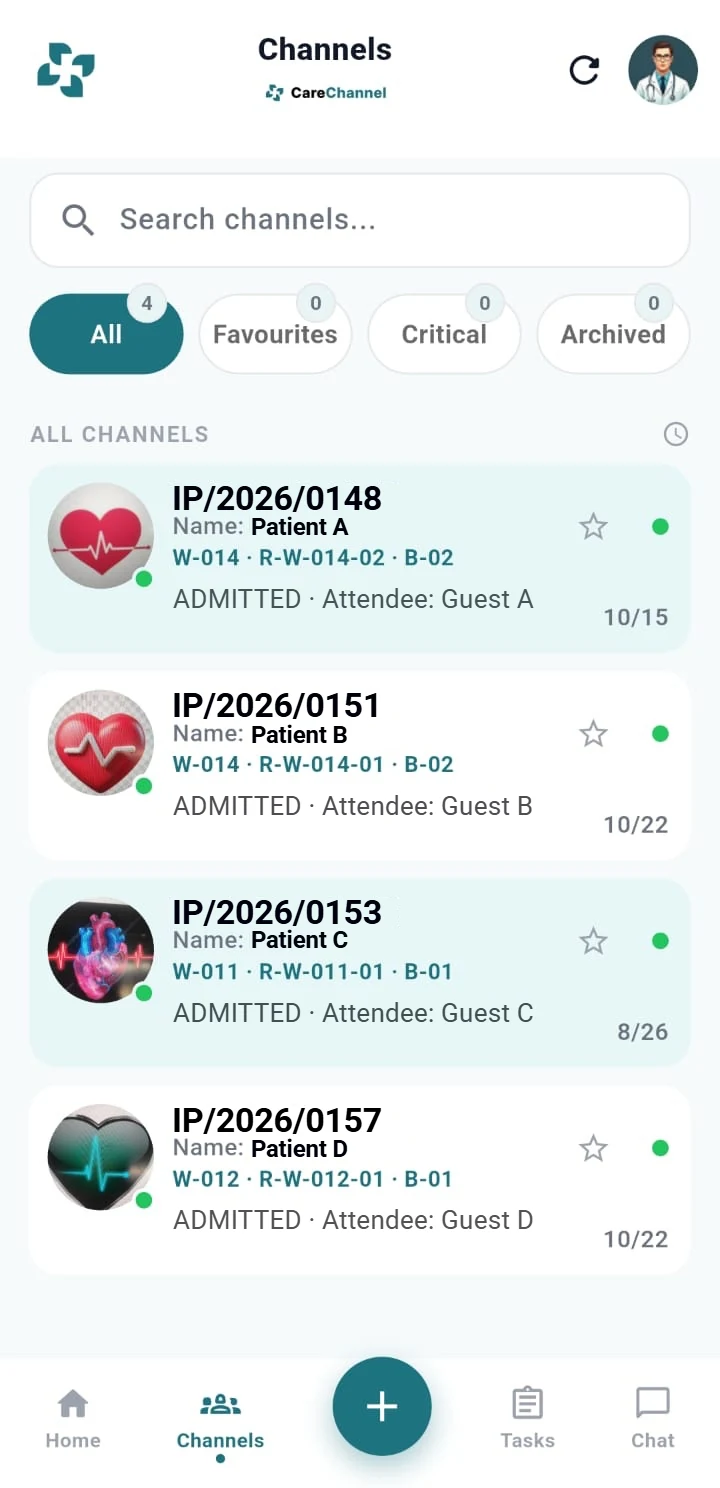
The CareChannel channels list showing four sample case channels with ward, room and bed details
Case channels
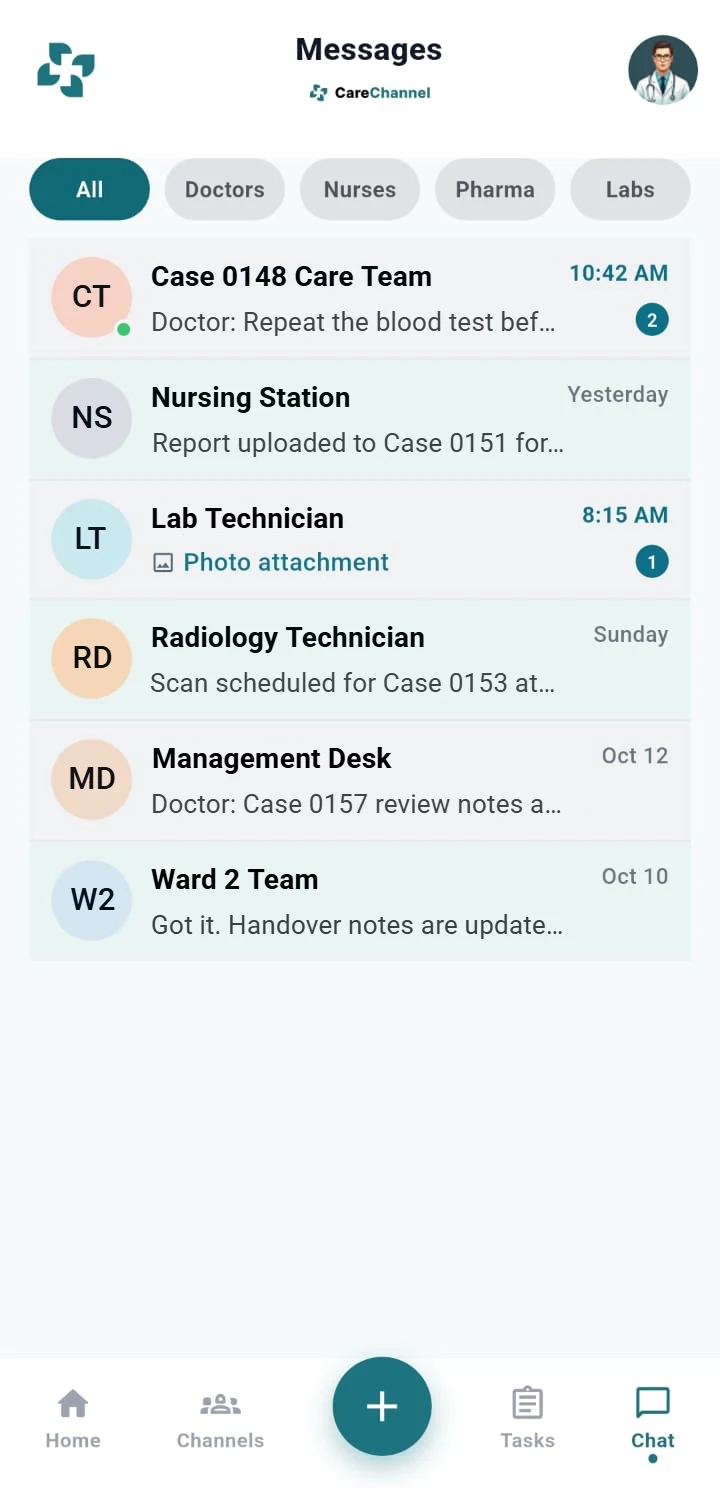
The CareChannel messages list showing conversations with the care team and desks, with unread counts
Messages

AI Reports and Patient History

Reports and history, drafted from the conversation

AI builds reports and patient history from consultations and conversations, so clinicians review instead of retyping.

  • Drafted from consultations and conversations
  • Patient history that grows with the case
  • Always a draft: clinicians review and approve before use
  • AI assists clinicians and does not replace clinical judgment

Action Items and Tasks

Tasks that create themselves

When someone says what needs to happen, CareChannel creates the task and assigns it to the right person.

  • Created automatically from what is said in messages
  • Assigned to the right team member
  • Visible on the case until the work is done
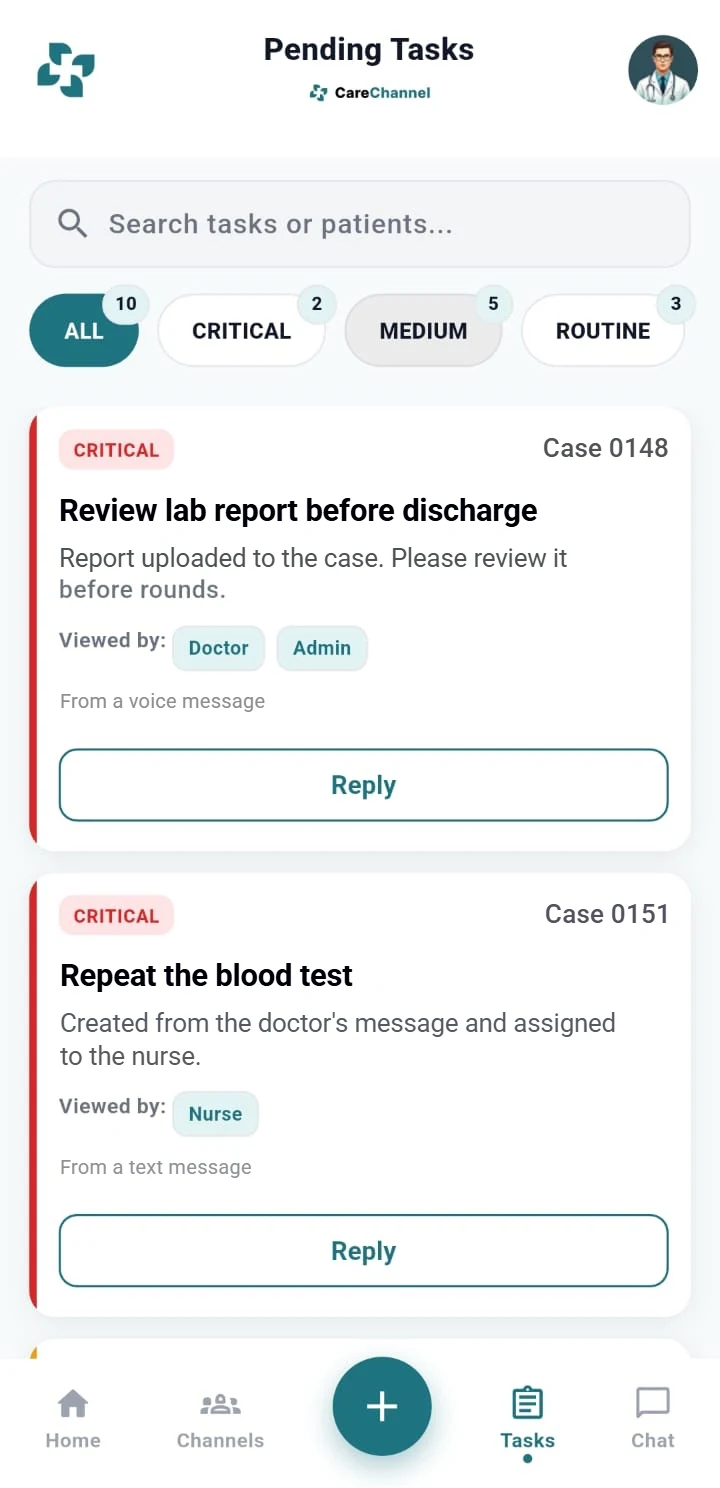
The CareChannel pending tasks list showing critical tasks created from voice and text messages
Tasks from conversations
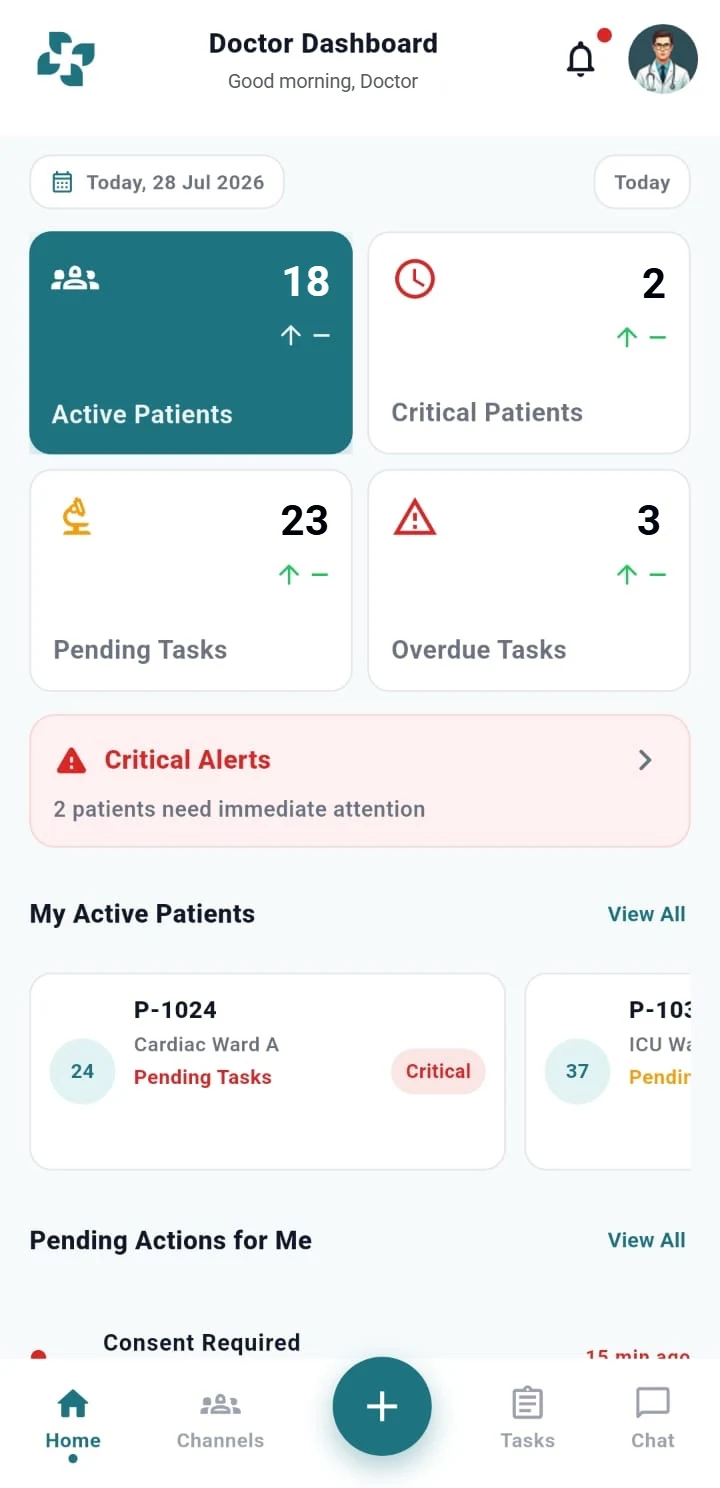
The CareChannel doctor dashboard showing active patients, critical patients, pending and overdue tasks, and a critical alerts banner
Doctor dashboard

Concern Management

Concerns stay open until they are resolved

Anyone on the care team can raise a concern on a case. CareChannel keeps it visible and tracked.

  • Raise a concern directly on the case
  • Status is visible to the team and to management
  • Nothing is closed until someone resolves it

Critical Instruction Capture

Critical instructions, kept for later

When a doctor explains something critical, CareChannel records it and keeps it with the case.

  • Recognised when a doctor explains something critical
  • Pinned to the case so the whole team can see it
  • Kept for future reference and for later issues

Meetings

Record audio and video meetings

Hold audio and video meetings with the care team and keep the recording with the case.

  • Audio and video meetings inside the case channel
  • Recordings and what was said stay attached to the case
  • Recording requires appropriate consent from participants. The customer is responsible for obtaining it.

Language and Translation

Everyone understands, in their own language

Teams do not have to share one language to share one case.

  • Translation across text and audio
  • Local-language NLP support
  • Conversations are captured in the language people speak

Management Dashboard

Control with clarity

Leadership sees the status of every case, including open concerns and pending tasks, while the case is still open.

  • The status of every case in one place
  • Open concerns and pending tasks surfaced
  • Visibility without interrupting the care team

See how CareChannel fits your care team

Book a Demo and we will walk through a case from the first message to the final report.